
Computer
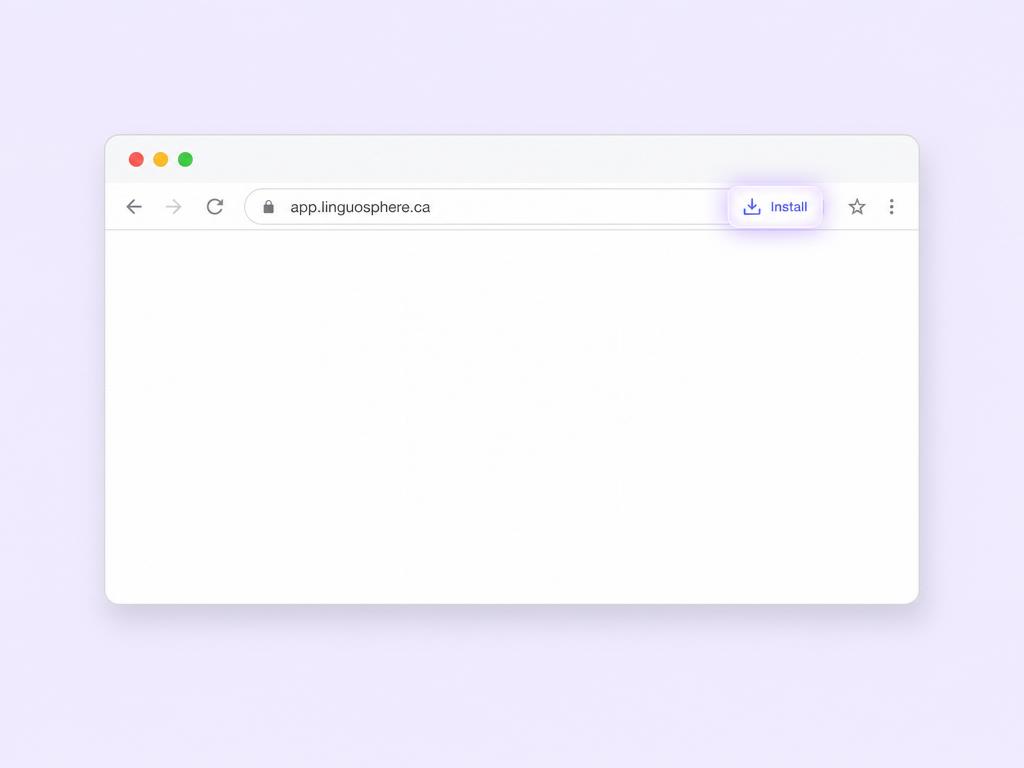
- 1Open app.linguosphere.ai in Chrome or Edge.
- 2Look for the install icon in the address bar or browser menu.
- 3Select "Install."
- 4LinguoSphère will open in its own window.
Installation options depend on your browser and device.
INSTALL THE WEB APP
Open your speaking practice from your Home Screen or desktop in an app-like window. No app store required.
Installation options depend on your browser and device.
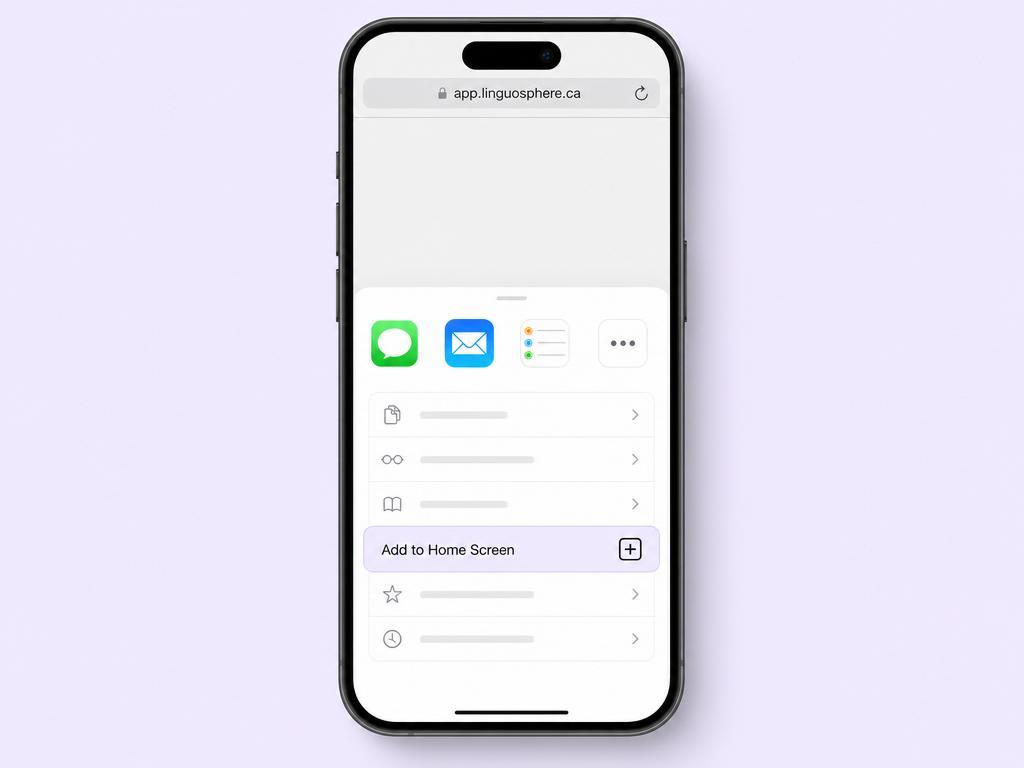
This option is available in Safari.
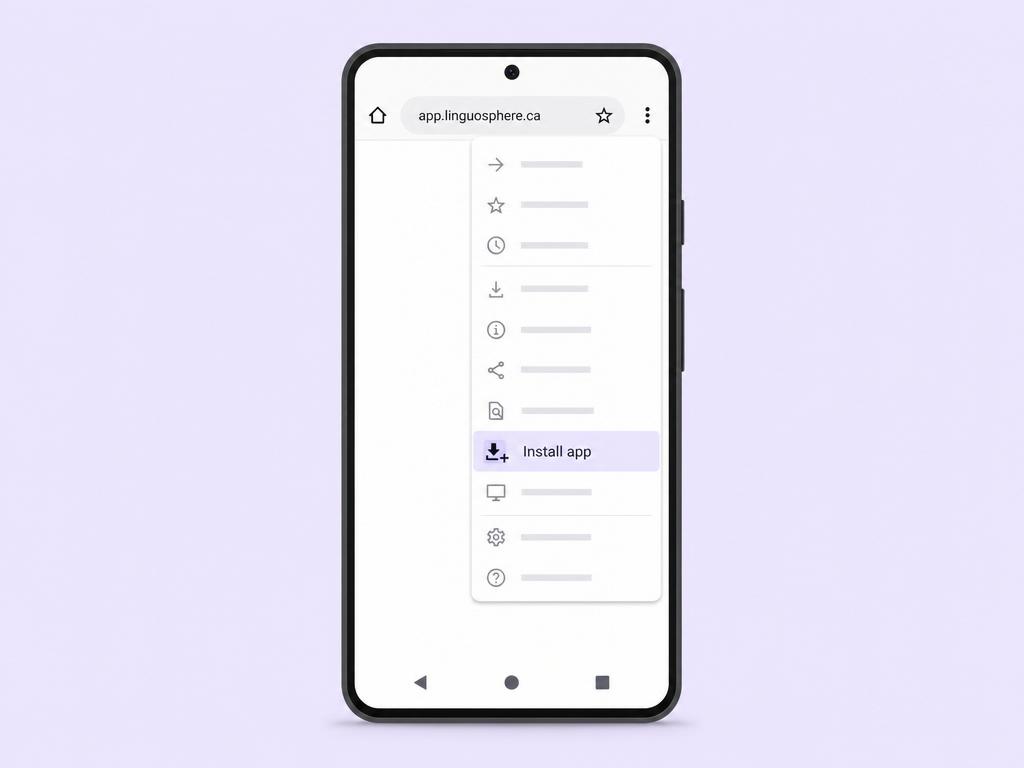
The wording may vary depending on the device and Chrome version.