Give every learner more opportunities to speak.
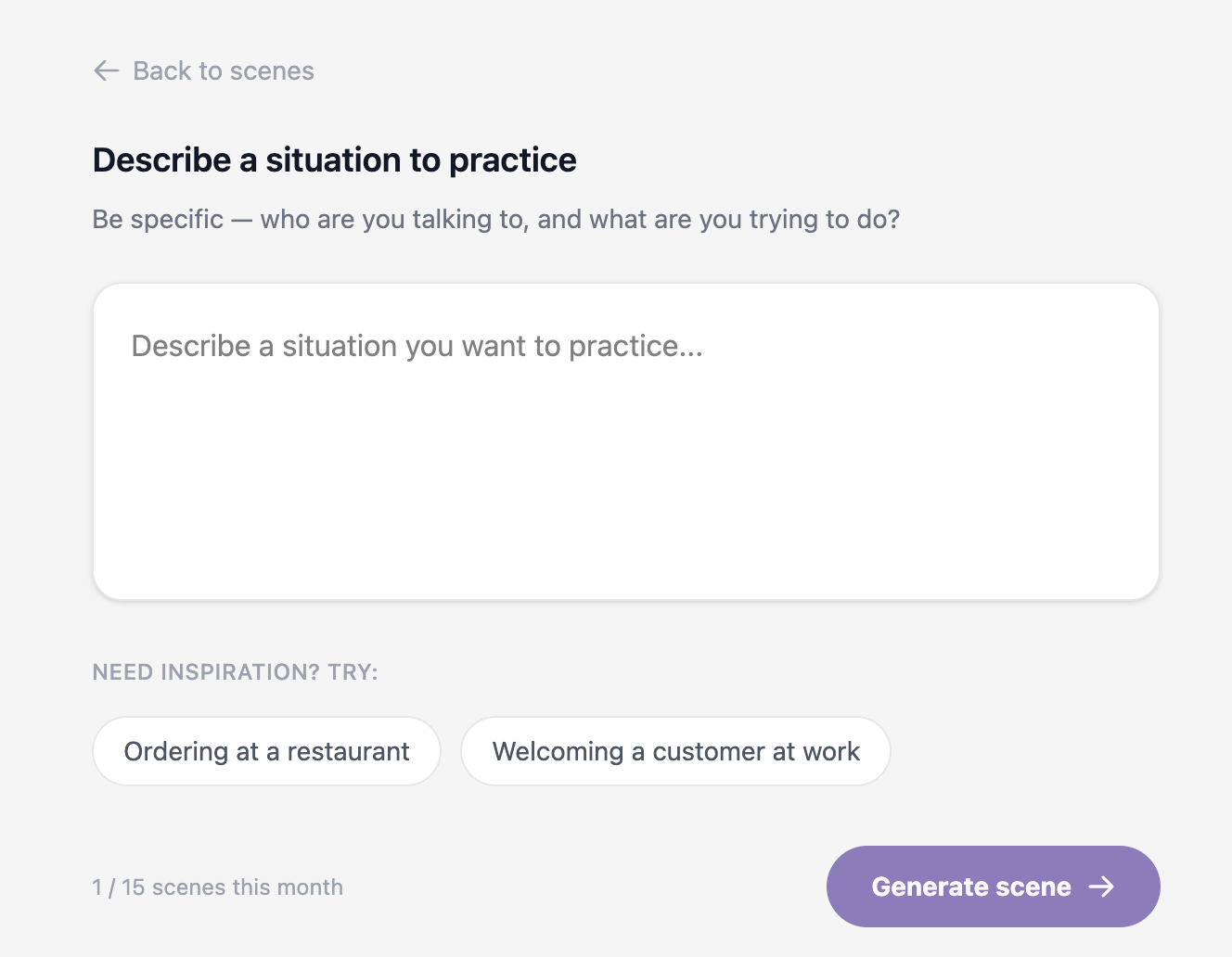
LinguoSphère adds individual speaking practice to your existing program: realistic scenes, in the browser, that your learners use on their own between sessions.
Individual use, in the browser or on mobile.
Used by language training organizations, language centers and in-house pedagogical teams.

Why speaking can still feel difficult.
Many adult learners understand more than they feel able to say. The challenge often appears when the other person responds unexpectedly, speaks quickly or asks a follow-up question.
Finding words at the right moment
Under pressure, vocabulary that is known can be slow to surface in a real conversation.
Reacting to the unexpected
An unexpected question or a quick reply changes the direction of the exchange.
Practising often enough
Without regular opportunities to speak, it becomes harder to build autonomy.
THREE WAYS TO BUILD YOUR LIBRARY
Build your library of simulations, your way.
Use our existing scenes, adapt them to your context, or create immersive experiences tailored to your needs, with or without virtual reality.
Use an existing scene
Pick a scene from the LinguoSphère library and make it available to your learners.
Adapt a scene
We adjust an existing scene to your context, sector or target level. Your content remains your property.

Create a virtual reality simulation on demand
We design an immersive experience with you, adapted to your pedagogical objectives and the situations your learners need to practise.
Note: Virtual reality is available as an option. Your organization provides the VR headsets; we can recommend models suited to your budget.
A 4-step deployment
A clear framework to bring LinguoSphère into your training offer.
Frame your program
We start from your pedagogical objectives, your audiences and the spoken situations your learners must actually be able to handle by the end of the program.
Compose your library
We select together the scenes from the library that fit your audiences, and adapt or create the ones missing from your program.
Launch with your cohorts
We open learner access and equip your pedagogical team with usage guidance, ready for the first cohort.
Adjust cohort after cohort
We share the usage indicators agreed with you and grow the library at the pace of your cohorts.
Pricing
Simple pricing, adjusted to your volume.
Starting at $30 per learner per month, with volume-based discounts.
Indicative pricing. Terms are specified with your team at deployment.
See detailed pricingMeasurable results on engagement and learning.
Speed
Up to 4×
faster than classroom training
Confidence
Up to +275 %
confidence to apply what was learned
Emotional connection
Up to 3.75×
more connected to the content
Focus
Up to 4×
more focused than e-learning
Source: PwC VR Soft Skills Training Efficacy Study, 2020. Results observed in immersive virtual reality training.
PwC VR Soft Skills Study, 2020INSTALL THE WEB APP
Keep LinguoSphère within easy reach.
Add LinguoSphère to your Home Screen or desktop for faster access to your speaking practice.
What LinguoSphère adds to the program
Extend the impact of your training program.

Speaking practice
Open spoken conversations in the browser that the learner can repeat as often as they want.

Connected scenes
Scenes can be picked from the library or connected to your pedagogical objectives and audiences.

Creation and adaptation
You can use an existing scene, adapt it to your context, or have a new one created on request.

Visibility
Usage information is shared with your team according to the setup agreed together.
What your teams get
The concrete elements shared during a deployment.
- Scene libraryA set of ready-to-use scenes, extendable on request.
- Learner accessIndividual use in the browser, mobile included, without heavy installation.
- Adaptation possibleScenes can be tailored to your context, sector or objectives.
- Usage informationGuidance shared according to the setup agreed with your team.
4 concrete benefits added to your program
What LinguoSphère changes in your learners' day-to-day.

Individual practice
Each learner speaks as much as they need, without waiting for their turn or feeling group pressure.

Contextualisation
Scenes reflect real situations (work, study, daily life) rather than generic exercises.
Close to real life
The exchange is spoken, in real time, with open answers rather than predefined choices.

Continuity
Between sessions, learners keep a regular opportunity to practise and consolidate what they just learned.
Progression
More opportunities to speak. More confident, faster.
LinguoSphère is designed to increase speaking opportunities and help learners build fluency more quickly in the conversations that matter to them.
Progression depends on each learner's starting level, practice frequency and personal objectives.
Learner testimonial
« A portable tutor that gets to know you better and better, understanding your journey in French. »

Abbasali - LinguoSphère learner
Watch the full testimonialA few of our training partners
 Case study coming soon
 Case study coming soon
 Case study coming soon
Do you coordinate several cohorts, employers or partners around a single program?
See collective programsFrequently asked questions
Does LinguoSphère replace our teachers or trainers?+
No. LinguoSphère adds opportunities for spoken practice between sessions. Pedagogy and support remain in your team's hands.
Is it an individual tool or a classroom platform?+
Use is individual: each learner practises on their own, in the browser or on mobile. It is not a tool for simultaneous classroom use.
Is a VR headset required?+
No. The main mode is the browser. VR is offered only when it brings clear value for a given scene.
Can we create our own scenes?+
Yes. You can use an existing scene, adapt one, or have a new one created on request based on a specific situation.
How do you integrate LinguoSphère into an existing program?+
We start from your objectives and audiences, then frame the useful scenes and how your learners access them. Exact details are defined with your team.
What usage information do we receive?+
We share usage information according to the setup agreed with you. Exact details are defined at deployment time.
How long before we see progression?+
Progression depends on each learner's starting level, practice frequency and objectives. LinguoSphère aims to increase speaking opportunities, which helps learners gain confidence more quickly in the targeted conversations.
Let's talk about your program.
30 minutes to understand your context and see concretely what LinguoSphère could bring to your learners.
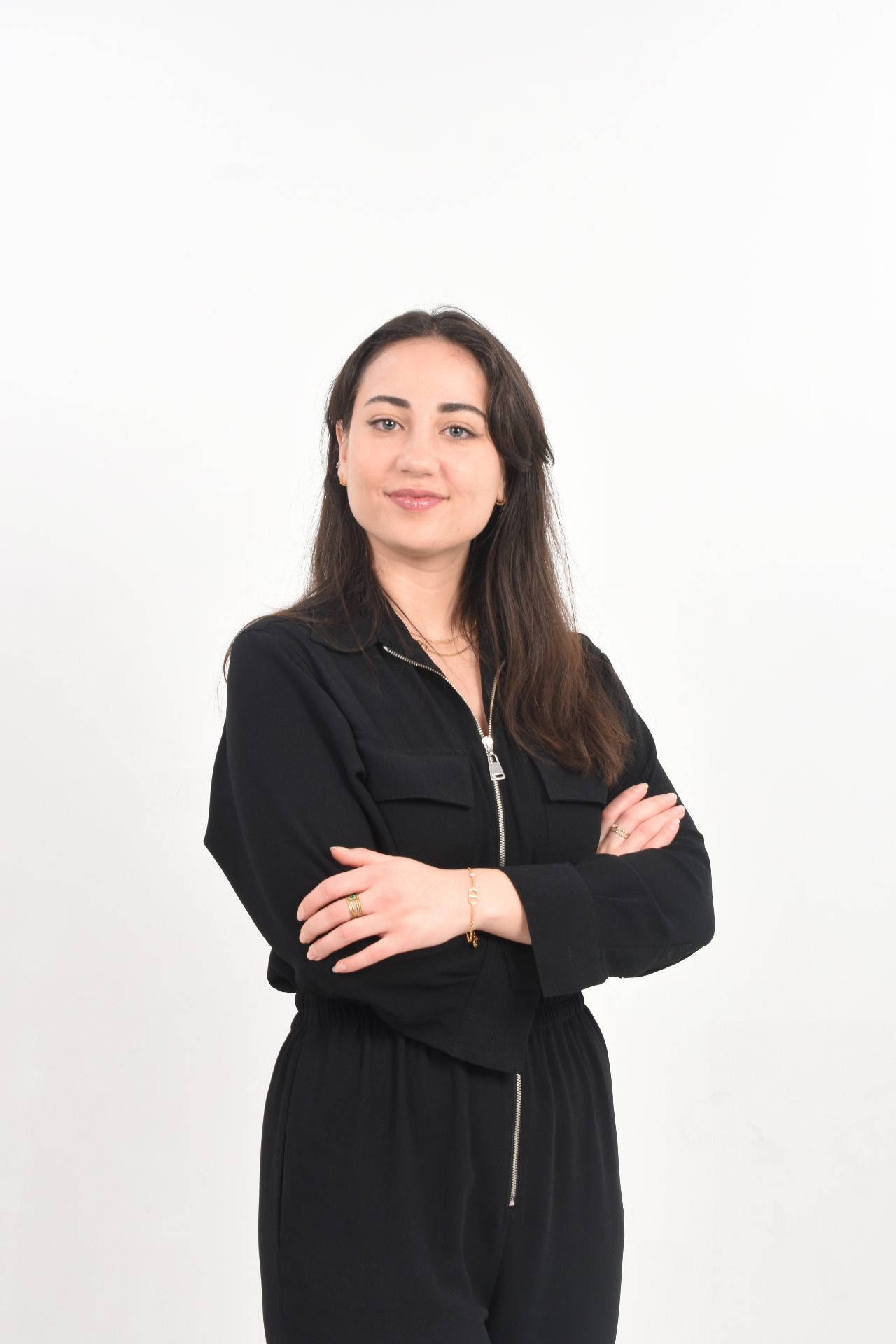
« Every organization has its own pedagogy, audiences and constraints. We start by listening to your team, then build with you a use that extends the program, not one that replaces it. »